Building a product, setting up a store, and preparing to sell takes real effort. Then comes the hosting decision, and a $1.99/month plan suddenly looks very attractive. It promises unlimited bandwidth, a free domain, and 99% uptime. On the surface, it sounds like a solid starting point.
The problem is that headline pricing rarely tells the full story. For an eCommerce store where every page load, checkout, and customer interaction depends on the hosting environment, the gap between a budget plan and a reliable one tends to surface at the worst possible moment, like during the busiest sales period of the year.
This is not about spending more for the sake of it. It is about understanding what a hosting plan actually provides and what gets quietly sacrificed when price is the primary deciding factor.
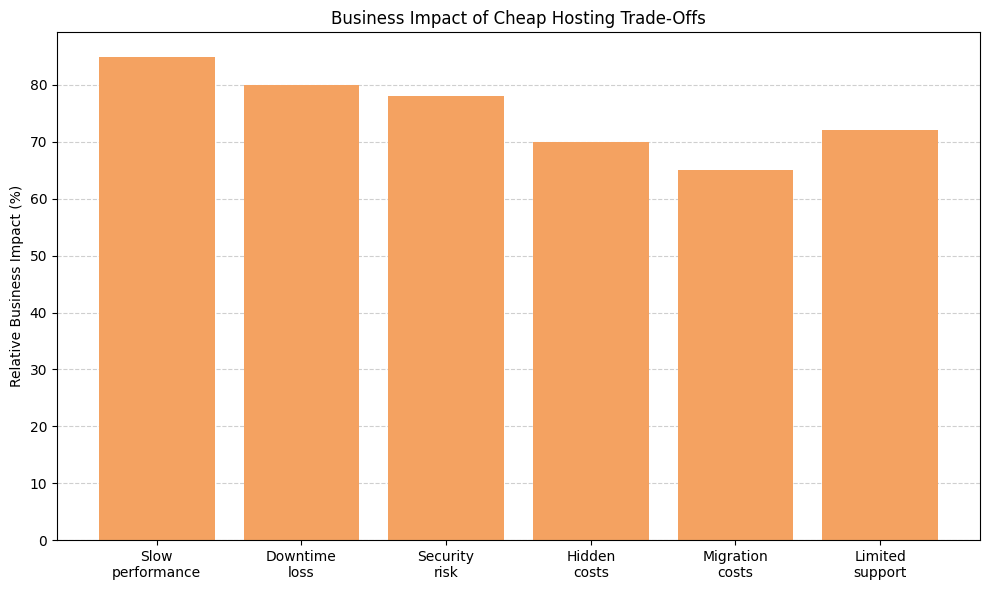
Low-cost hosting plans frequently trade short-term savings for long-term business risk. Performance slowdowns, downtime exposure, security gaps, hidden add-ons, migration friction, and limited support tend to compound over time. For WooCommerce stores, these trade-offs can directly affect revenue, customer trust, and scalability. As eCommerce competition grows and customer expectations for site speed rise, hosting quality becomes a meaningful strategic consideration rather than just a recurring expense.
Most budget hosting providers keep costs low by using a single primary method: cramming as many websites as possible onto a single shared server. That means hundreds, sometimes thousands, of sites competing for the same pool of CPU, memory, and bandwidth.
Under normal conditions, this arrangement might be manageable. But the moment a neighboring site experiences a traffic spike, runs a poorly coded plugin, or gets targeted by a bot attack, every other site on that server can feel the impact. Store owners have no control over it and no way to fix it.
Budget hosting services often run on older infrastructure with minimal redundancy or failover systems. If something goes wrong at the server level, websites on that server can go offline without warning.
For an online store, that is not just a technical inconvenience. It is lost revenue and lost customers.
What makes cheap hosting expensive is not always the surprise fees. It is the cumulative operational drag it creates on a business over time. The low monthly rate can mask compounding trade-offs in performance, security, flexibility, and support. These trade-offs do not just affect the server environment. They can affect revenue, customer trust, marketing ROI, and the day-to-day stress of running a store. The real cost of budget hosting often shows up indirectly through lost conversions, emergency fixes, delayed campaigns, and preventable downtime, long before it appears on an invoice.
Budget hosting tends to quietly drain a store's budget in these ways:
When the full picture is considered, the cheap plan rarely stays cheap, and the long-term business impact can far outweigh the monthly price difference.
Speed influences buying behavior in measurable ways. In eCommerce, additional seconds of load time introduce friction, hesitation, and abandonment. WooCommerce is resource-intensive by design. It dynamically generates product pages, cart totals, shipping rates, and checkout data in real time. When a server cannot process those requests quickly, visitors experience lag. That hesitation often costs a sale. Customers expect fast performance, especially on mobile. A slow site signals unreliability, and most visitors who leave do not come back.
Slow hosting can affect WooCommerce performance across several measurable dimensions:
In eCommerce, speed is not just a technical metric. It is a direct factor in revenue, trust, and long-term growth.
Uptime percentages look reassuring on a sales page, but they rarely capture the full picture of the business. Even a few hours of downtime can disrupt revenue, paid campaigns, customer trust, and brand credibility. eCommerce stores operate around the clock. Customers shop at night, during holidays, and across time zones. When a site goes offline, the loss is not just the sales missed in that moment. It also includes momentum, search engine crawl reliability, and repeat buyers who may not return.
Beyond the obvious missed transactions, downtime carries these often-overlooked costs:
For WooCommerce stores, downtime is a direct business liability that tends to grow more costly as revenue scales.
Security is one of the most overlooked differences between budget hosting and properly managed environments. On shared servers, a WooCommerce store is not isolated. It exists alongside hundreds, if not thousands, of other websites. If one of those sites is compromised due to weak plugins, outdated themes, or poor security practices, the broader server environment becomes vulnerable. A store owner may do everything right and still face consequences from someone else's mistake.
For an eCommerce store that collects customer names, email addresses, addresses, and payment data, security is not optional. A breach does not just mean technical cleanup. It can trigger chargebacks, compliance issues, and lasting brand damage. Even without a data breach, a defaced homepage or a browser malware warning can hurt credibility for months. Prevention is almost always cheaper than recovery, yet budget hosts often treat proactive security as a premium upgrade rather than a baseline feature.
Cheap hosting environments commonly fall short on security in these specific ways:
For WooCommerce stores, security infrastructure directly supports customer trust, compliance, stability, and long-term business continuity.
Quality WooCommerce hosting is built around performance, stability, and scalability rather than low monthly pricing. Because WooCommerce is dynamic, every cart update, product filter, and checkout action relies on real-time server resources. A reliable host provides dedicated capacity, modern infrastructure, and proactive monitoring to maintain steady performance during traffic spikes, promotions, and seasonal surges.
When evaluating a host for WooCommerce, these are the technical capabilities worth confirming:
Entry-level managed WordPress plans with these capabilities typically start around $20 to $50 per month, though pricing varies by provider and resource allocation. Compared to the potential costs of downtime during a campaign, emergency malware cleanup, or checkout abandonment due to slow page loads, that investment often pays for itself in avoided losses.
Before migrating to any new host, benchmarking the current site using Google PageSpeed Insights, GTmetrix, or WebPageTest is a practical first step. Having a performance baseline makes it easier to evaluate whether a new environment delivers real improvement and helps catch configuration issues before they affect customers.
Choosing the right WooCommerce host is less about marketing promises and more about asking practical, business-focused questions. The hosting environment directly affects speed, uptime, checkout reliability, and customer trust. A thoughtful decision upfront can prevent expensive migrations, lost sales, and ongoing technical problems.
Ten questions worth asking before committing to any plan:
The providers below are commonly used by growing eCommerce stores that need stable infrastructure, scalable performance, and security safeguards beyond what entry-level shared hosting offers. No single platform suits every store. The right fit depends on traffic volume, technical comfort level, and budget. These represent a range of well-regarded approaches worth evaluating.
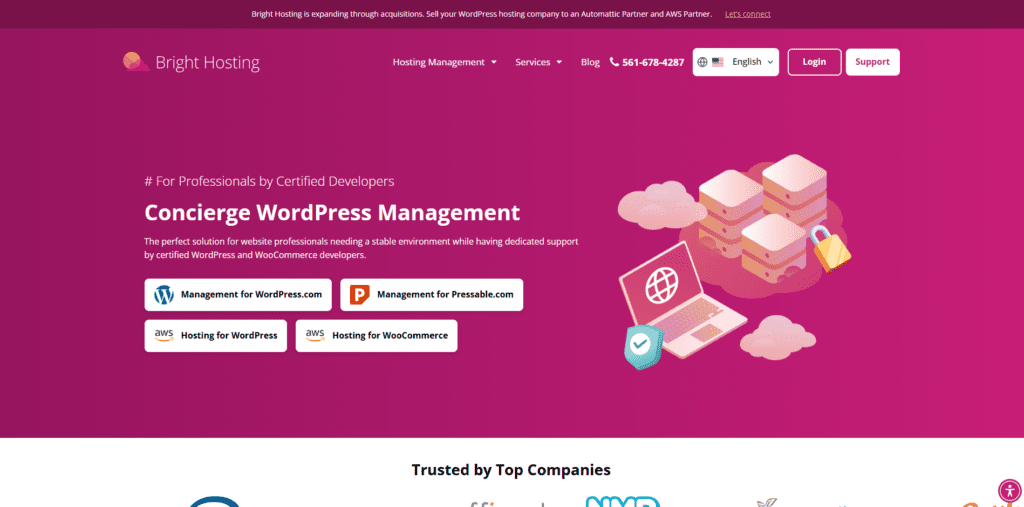
Bright Hosting offers managed WooCommerce and WordPress hosting built around performance, security, and stability. The platform is designed specifically for eCommerce stores, with infrastructure optimized for WooCommerce workloads and support from WordPress-trained staff. It is a practical option for store owners who want hands-on hosting support without having to manage server configuration themselves.
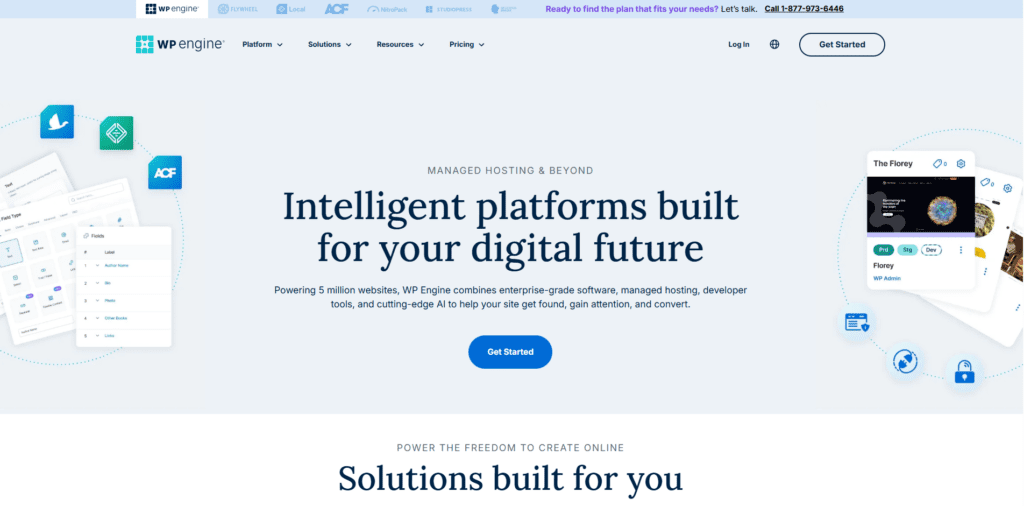
WP Engine is a well-established managed WordPress hosting provider with a strong track record for performance and scalability. The WooCommerce environment is optimized for dynamic eCommerce workloads, with solid uptime reliability and experienced support teams. It tends to suit mid-size to large stores that need enterprise-level reliability without having to manage their own infrastructure.
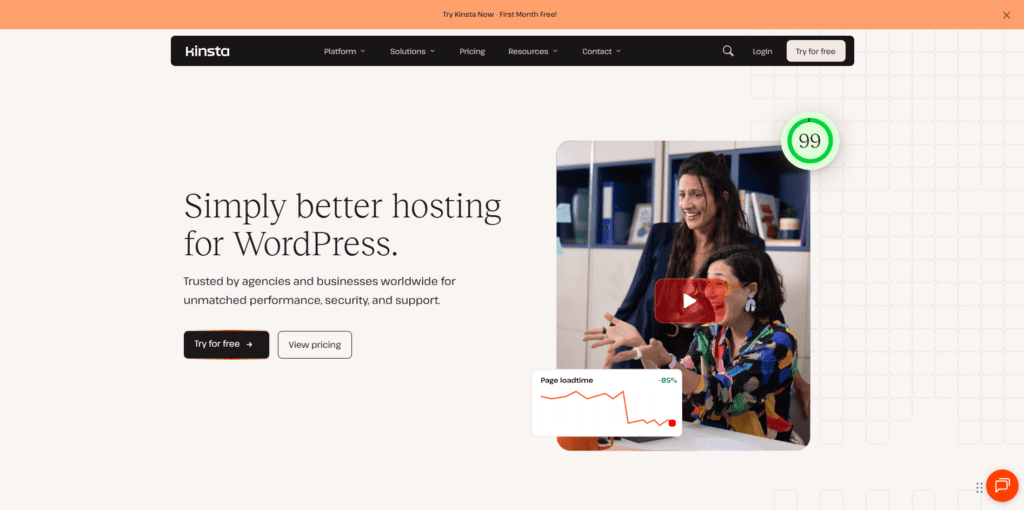
Kinsta runs on Google Cloud's premium-tier network and is known for its high-speed, stable infrastructure. It provides isolated environments that work well for growing WooCommerce stores with larger catalogs or higher traffic volumes. The dashboard is clean and developer-friendly, though the pricing reflects the premium infrastructure.
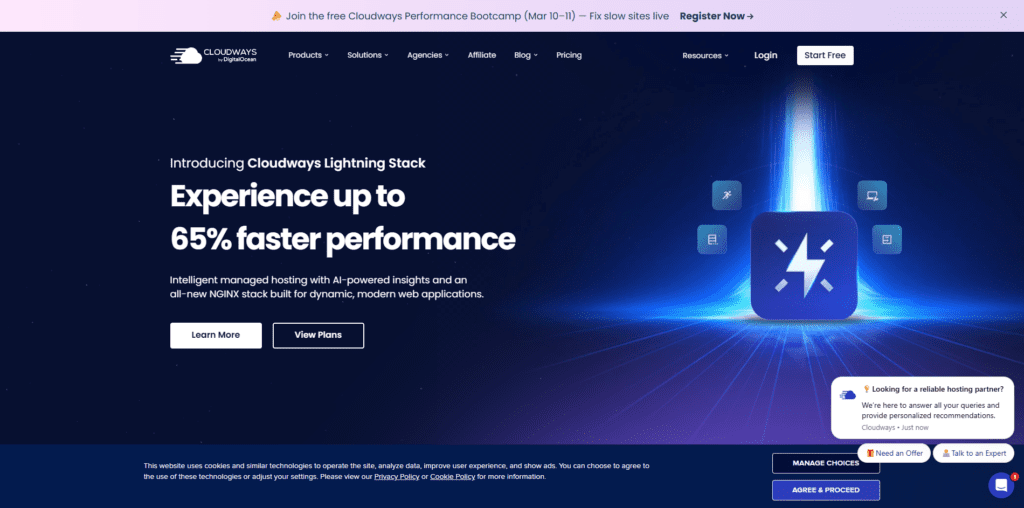
Cloudways provides flexible cloud hosting across providers such as DigitalOcean, AWS, and Google Cloud. It suits store owners who want cloud-level flexibility and dedicated resources without taking on full server administration. The pay-as-you-go model works well for stores with variable or growing traffic.
Pressable is backed by Automattic and built specifically for WordPress and WooCommerce performance. It provides stable infrastructure and proactive monitoring, reducing the need for manual technical intervention. A strong option for stores already embedded in the WordPress and WooCommerce ecosystem.
Cheap hosting is not always the wrong call. For a personal blog, a brochure site, or a store in its earliest days with minimal traffic, a budget plan can be a reasonable starting point. But once a store is generating real revenue, the same shared environment that was acceptable at 50 visitors a day starts creating real friction at 500. By the time problems become obvious, they are already costing money.
Hosting choices affect search rankings, checkout reliability, uptime during promotions, and support response times when issues arise. A managed hosting plan in the $30 to $50-per-month range costs roughly $400 to $600 per year. A single afternoon of downtime during a peak sales period or one malware cleanup incident can exceed that annual difference in hours. Viewed that way, hosting quality is less a cost and more a form of revenue protection.
For store owners who are uncertain whether their current hosting is holding back performance, three metrics tell the story quickly: Time to First Byte (TTFB) for raw server speed, Core Web Vitals in Google Search Console for real-world user experience, and uptime logs via a tool like UptimeRobot for outages that may have gone unnoticed. Google recommends keeping TTFB under 800 milliseconds for a good rating, though many practitioners target 600 milliseconds or below as a more competitive benchmark. If TTFB is consistently above that range or Core Web Vitals are failing on mobile, the hosting environment is likely a contributing factor.