Gestire un negozio WooCommerce significa prendere decisioni importanti a ogni livello, comprese quelle che avvengono interamente dietro le quinte. Poche scelte hanno più peso di come vengono gestiti gli aggiornamenti di WordPress: automatici, manuali o una combinazione di entrambi. Questa singola decisione modella la stabilità, la sicurezza e le entrate del negozio in modi che molti proprietari di negozi non apprezzano appieno finché qualcosa non si rompe.
Un aggiornamento mal programmato può interrompere il processo di checkout, entrare in conflitto con un gateway di pagamento o compromettere la funzionalità principale del negozio. Ritardare completamente gli aggiornamenti, tuttavia, lascia aperte vulnerabilità note e problemi di prestazioni irrisolti.
L'obiettivo è l'equilibrio. Aggiornamenti gestiti con attenzione possono rafforzare la sicurezza, migliorare la compatibilità e aumentare le prestazioni senza interrompere le operazioni quotidiane. Questa guida copre le differenze pratiche tra aggiornamenti automatici e manuali, i rischi reali di ciascun approccio e come costruire una strategia di aggiornamento che si adatti alla complessità effettiva di un negozio.
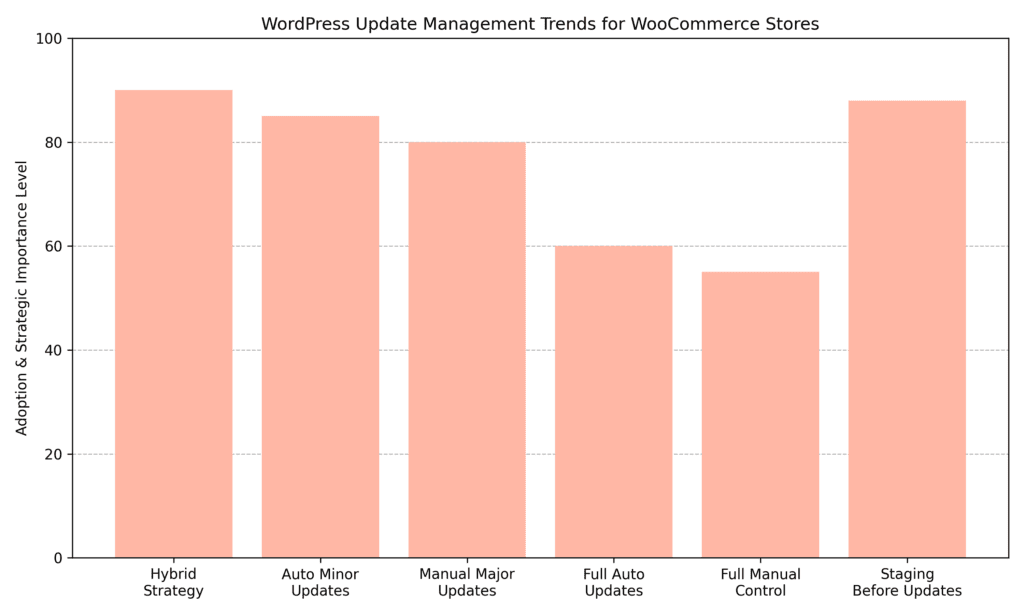
Molti proprietari di negozi WooCommerce scoprono che un approccio ibrido, automatizzando gli aggiornamenti minori mantenendo il controllo manuale sulle versioni principali, tende a funzionare bene nella pratica. La staging prima dei flussi di lavoro di aggiornamento è spesso prioritaria insieme a questo, date le poste in gioco reali relative alla stabilità del checkout e alla continuità dei ricavi.
WordPress alimenta una grande parte del web, il che lo rende un bersaglio costante per attacchi automatizzati. La maggior parte delle violazioni di successo non sfrutta nuove vulnerabilità. Sfruttano conosciuto quelli in installazioni obsolete. Ogni giorno che il core, i plugin o i temi di WordPress rimangono senza aggiornamenti è una finestra di opportunità per gli attori malintenzionati.
Oltre alla sicurezza, gli aggiornamenti offrono miglioramenti delle prestazioni, correzioni di bug e miglioramenti della compatibilità. WooCommerce stesso segue una cadenza di rilascio regolare e tali aggiornamenti dipendono spesso da una versione minima del core di WordPress. Rimanere indietro con il core può significare perdere miglioramenti di compatibilità che i plugin già si aspettano.
Ci sono tre livelli da mantenere aggiornati:
WordPress ha introdotto gli aggiornamenti automatici in background nella versione 3.7, e ciò che è iniziato con piccole release del core si è da allora esteso per includere plugin e temi. Questi aggiornamenti automatici possono aiutare a correggere le vulnerabilità più rapidamente, migliorare la stabilità e ridurre l'onere di manutenzione per i negozi che gestiscono configurazioni semplici.
Per i piccoli negozi WooCommerce costruiti su configurazioni standard, temi popolari, plugin ben mantenuti e senza codice personalizzato pesante, aggiornamenti automatici valgono la pena di essere presi in considerazione:
Gli aggiornamenti manuali offrono ai proprietari dei negozi il controllo completo sull'ambiente live. Nulla cambia senza approvazione esplicita. Per i negozi WooCommerce con sviluppo personalizzato, configurazioni complesse di plugin o volumi elevati di transazioni giornaliere, questo livello di controllo vale spesso lo sforzo aggiuntivo.
Gli aggiornamenti manuali funzionano solo se vengono effettivamente eseguiti. Per i proprietari di negozi impegnati, "lo farò questo fine settimana" può facilmente allungarsi per settimane.
Per molti proprietari di negozi WooCommerce, il percorso più pratico non è scegliere aggiornamenti completamente automatici o completamente manuali. Si tratta di adottare un modello ibrido. Automatizzare aggiornamenti a basso rischio come rilasci minori del core e patch di plugin affidabili, mantenendo sotto revisione manuale le modifiche alle versioni principali, gli aggiornamenti dei temi e le estensioni critiche per i ricavi, può creare un equilibrio ragionevole tra reattività della sicurezza e stabilità operativa.
Le versioni minori di WordPress sono quasi esclusivamente correzioni di sicurezza e bug. Raramente causano problemi. Abilitare gli aggiornamenti automatici delle versioni minori del core è tipicamente un modo a basso rischio per rimanere aggiornati senza sforzo manuale.
Le versioni principali introducono nuove funzionalità, a volte cambiano il modo in cui WordPress gestisce le cose internamente e possono entrare in conflitto con plugin che non sono ancora stati aggiornati per corrispondere. Testare prima le principali versioni del core su un sito di staging vale generalmente il tempo extra.
Gli aggiornamenti automatici possono essere abilitati per singoli plugin nella bacheca di WordPress (Bacheca > Plugin > Abilita aggiornamenti automatici). Un approccio più mirato: abilita gli aggiornamenti automatici per i plugin di sviluppatori affermati con una storia di rilascio coerente, e lascia i plugin personalizzati o di nicchia sotto revisione manuale. L'abbinamento di questo con una soluzione di backup che acquisisce automaticamente uno snapshot pre-aggiornamento aggiunge un importante livello di protezione.
Una nota pratica: rivedi il changelog del plugin prima di abilitare gli aggiornamenti automatici. Uno sviluppatore che rilascia regolarmente modifiche che rompono le funzionalità nelle versioni minori non è un buon candidato per l'automazione, indipendentemente da quanto sia affermato.
Gli aggiornamenti del tema comportano un rischio maggiore di sovrascrivere le personalizzazioni, specialmente quando si utilizza in modo improprio un tema figlio o si modifica direttamente il tema padre. Eseguire gli aggiornamenti del tema manualmente dopo una rapida revisione su una copia di staging è di solito il percorso più sicuro.
Nessuna strategia di aggiornamento è completa senza backup affidabili e testati. Come minimo:
L'ambiente di hosting influenza direttamente la sicurezza e l'efficienza con cui gli aggiornamenti di WordPress e WooCommerce possono essere gestiti. L'hosting non riguarda solo la velocità e l'uptime. Determina se un negozio ha accesso ad ambienti di staging, backup automatici, strumenti di rollback e controlli a livello di server.
Un negozio che opera su un'infrastruttura senza adeguate misure di sicurezza è costretto ad aggiornare con cautela o rischiare tempi di inattività. Un ambiente di hosting ben strutturato rende più pratiche le strategie di aggiornamento ibride, riduce i tempi di recupero e consente test controllati senza rischiare entrate in tempo reale.
I provider di hosting gestito includono in genere strumenti che semplificano la gestione degli aggiornamenti e riducono il rischio operativo:
ambienti di hosting condiviso spesso richiedono ai proprietari dei negozi di gestire tutto da soli, il che aumenta la responsabilità:
Questi ambienti offrono il massimo controllo, ma richiedono conoscenze tecniche e flussi di lavoro strutturati:
La scelta giusta dell'hosting dovrebbe allinearsi alla complessità di un negozio, al volume delle transazioni e alla tolleranza al rischio. L'infrastruttura determina con quanta sicurezza gli aggiornamenti possono essere applicati senza interrompere l'esperienza del cliente.
Una strategia di aggiornamento efficace di WordPress funziona come un sistema di protezione dei ricavi. I negozi WooCommerce operano in tempo reale, il che significa che anche una breve interruzione del checkout può portare a vendite perse e a una ridotta fiducia dei clienti. L'approccio più sicuro combina test strutturati, backup affidabili, pianificazione controllata e monitoraggio post-aggiornamento.
Invece di trattare gli aggiornamenti come manutenzione occasionale, integrarli in un flusso di lavoro prevedibile tende a produrre risultati più coerenti:
Un flusso di lavoro disciplinato riduce le sorprese. L'obiettivo non è semplicemente rimanere aggiornati, ma farlo senza compromettere l'esperienza di acquisto che mantiene il flusso delle entrate.
Anche una strategia di aggiornamento attentamente pianificata necessita di strumenti affidabili. Backup, ambienti di staging e meccanismi di aggiornamento sicuri sono ciò che trasforma un approccio di aggiornamento ibrido in un flusso di lavoro pratico e ripetibile.
Uno dei plugin di backup più utilizzati per WordPress. Supporta backup pianificati e on-demand prima degli aggiornamenti, rendendolo una soluzione pratica per flussi di lavoro di aggiornamento ibridi, in particolare per i proprietari di negozi che desiderano un punto di ripristino affidabile prima di applicare modifiche importanti ai plugin o al core.
Caratteristiche chiave:
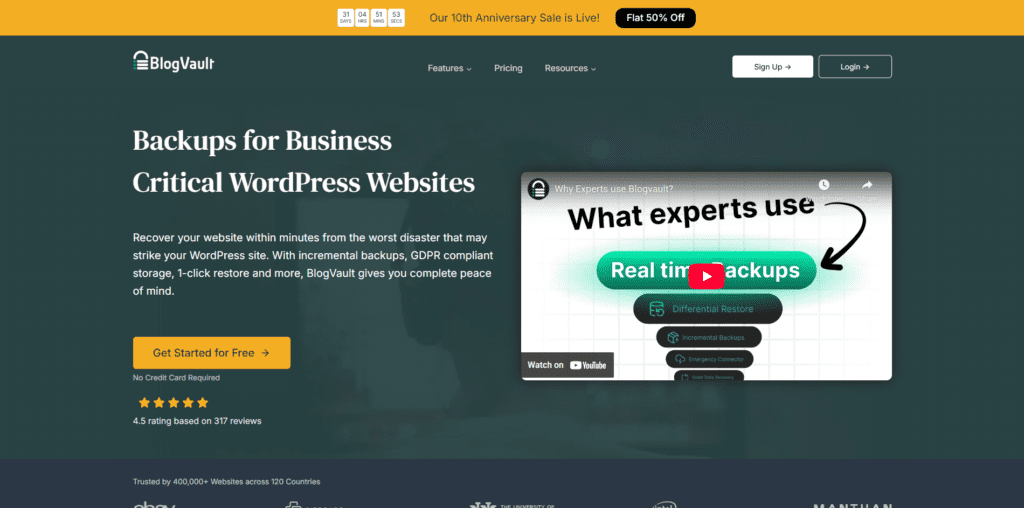
Una valida opzione per i negozi che cercano una copertura di backup in tempo reale con staging integrato. La sua funzione di aggiornamento automatico sicuro con supporto al rollback lo rende utile per i negozi WooCommerce che elaborano ordini 24 ore su 24.
Caratteristiche chiave:
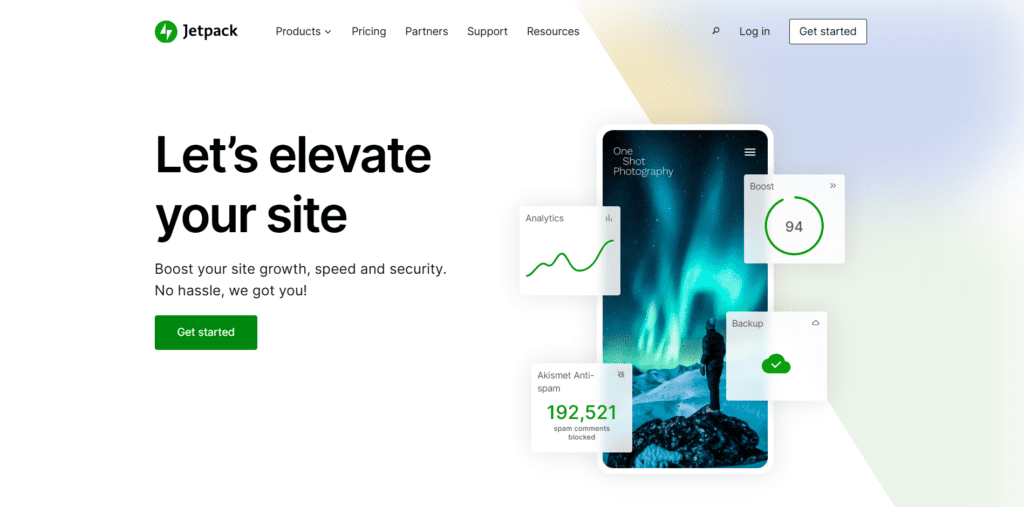
Ideale per negozi attivi dove i dati degli ordini e dei clienti cambiano costantemente. Il suo approccio di backup in tempo reale significa che un ripristino da un momento precedente della giornata non comporterà la perdita di ore di registrazioni di transazioni.
Caratteristiche chiave:
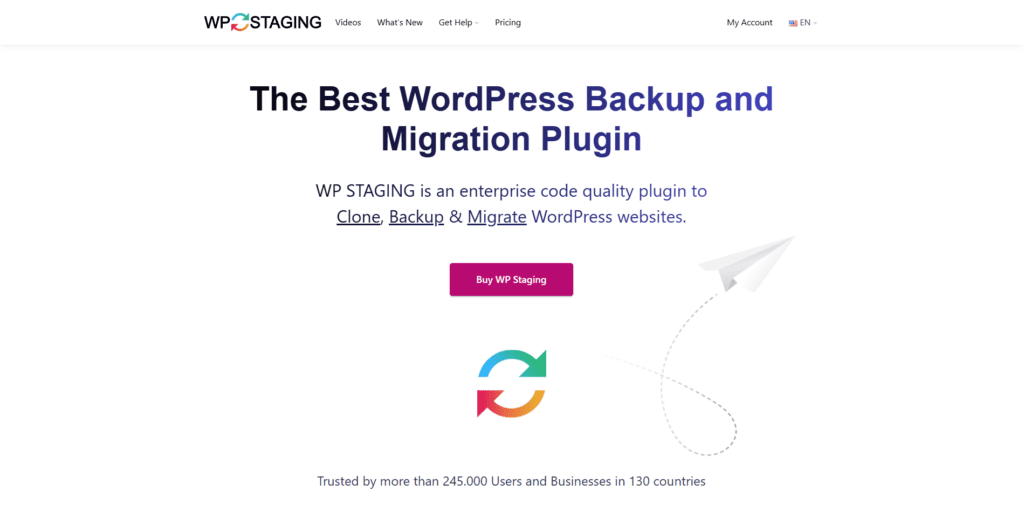
Una scelta pratica per i negozi che necessitano di un ambiente sicuro per testare gli aggiornamenti prima che diventino effettivi. Clona l'ambiente di produzione senza richiedere accesso al server o configurazioni tecniche.
Caratteristiche chiave:
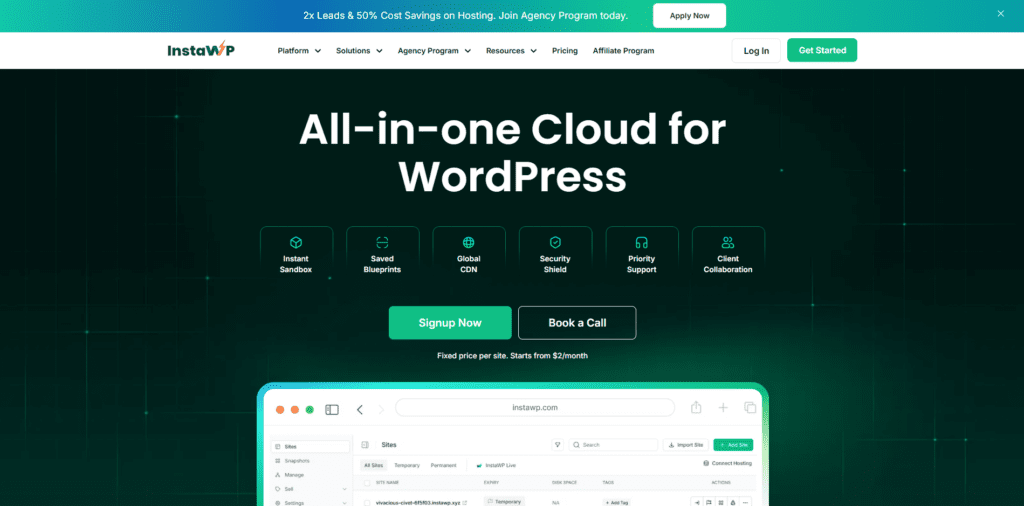
Ideale per creare rapidamente un ambiente sandbox temporaneo per testare un aggiornamento o un plugin prima di implementarlo sul sito live. La clonazione di template e le installazioni pronte per WooCommerce lo rendono un'opzione efficiente in termini di tempo per i team che valutano più aggiornamenti in una singola sessione.
Caratteristiche chiave:
Non esiste un'unica risposta corretta alla domanda aggiornamenti automatici vs. controllo manuale. L'approccio migliore dipende dalla complessità del negozio, dall'ambiente di hosting e dalla quantità di tempo che può essere realisticamente dedicata alla manutenzione. Ciò che tende ad essere coerente nei negozi ben mantenuti è che non fare nulla crea più rischi nel tempo rispetto a entrambi gli approcci.
Per la maggior parte dei proprietari di negozi WooCommerce, una strategia ibrida che automatizza gli aggiornamenti minori e a basso rischio, mantenendo le modifiche importanti sotto attenta revisione, offre un equilibrio praticabile tra sicurezza e stabilità. Iniziare con backup solidi, identificare una soluzione di pre-produzione e costruire una semplice routine di aggiornamento che verrà effettivamente seguita è la base giusta.
Gli acquirenti si aspettano un'esperienza veloce e sicura ogni volta che visitano un negozio. Un approccio ponderato e applicato in modo coerente agli aggiornamenti è uno dei modi più pratici per soddisfare tale aspettativa a lungo termine.