Running a WooCommerce store means making consequential decisions at every level, including ones that happen entirely behind the scenes. Few choices carry more weight than how WordPress updates are handled: automatic, manual, or a combination of both. That single decision shapes store stability, security, and revenue in ways many store owners don't fully appreciate until something breaks.
A poorly timed update can take down the checkout process, conflict with a payment gateway, or disrupt core store functionality. Delaying updates entirely, however, leaves known vulnerabilities open and performance issues unresolved.
The goal is balance. Thoughtfully managed updates can strengthen security, improve compatibility, and enhance performance without disrupting daily operations. This guide covers the practical differences between automatic and manual updates, the real-world risks of each approach, and how to build an update strategy that fits a store's actual complexity.
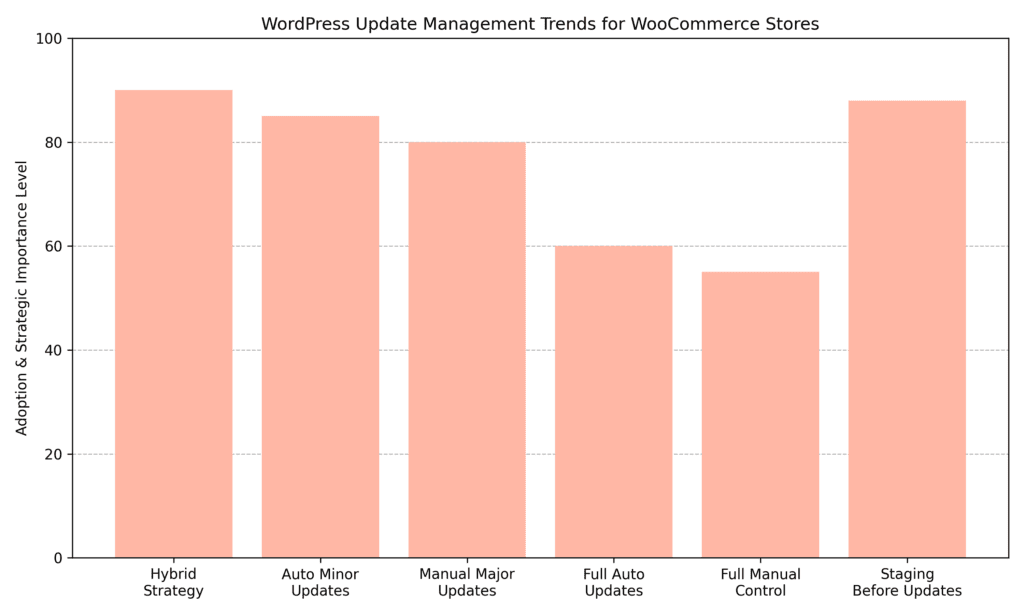
Many WooCommerce store owners find that a hybrid approach, automating minor updates while keeping manual control over major releases, tends to perform well in practice. Staging before update workflows is often prioritized alongside this, given the real stakes around checkout stability and revenue continuity.
WordPress powers a large share of the web, which makes it a consistent target for automated attacks. Most successful breaches don't exploit new vulnerabilities. They exploit known ones in outdated installs. Every day that WordPress core, plugins, or themes go without an update is a window of opportunity for bad actors.
Beyond security, updates deliver performance improvements, bug fixes, and compatibility enhancements. WooCommerce itself follows a regular release cadence, and those updates often depend on a minimum WordPress core version. Falling behind on core can mean missing compatibility improvements that plugins already expect.
There are three layers to keep current:
WordPress introduced automatic background updates in version 3.7, and what began with minor core releases has since expanded to include plugins and themes. These automatic updates can help patch vulnerabilities more quickly, improve stability, and reduce the maintenance burden for stores running straightforward setups.
For small WooCommerce stores built on standard configurations, popular themes, well-maintained plugins, and no heavy custom code, auto-updates are worth considering:
Manual updates give store owners complete control over the live environment. Nothing changes without explicit approval. For WooCommerce stores with custom development, complex plugin configurations, or high daily transaction volumes, this level of control is often worth the additional effort.
Manual updates only work if they actually get done. For busy store owners, "I'll get to it this weekend" can easily stretch into weeks.
For many WooCommerce store owners, the most practical path forward isn't choosing fully automatic or fully manual updates. It's adopting a hybrid model. Automating low-risk updates such as minor core releases and trusted plugin patches, while keeping major version changes, theme updates, and revenue-critical extensions under manual review, can strike a reasonable balance between security responsiveness and operational stability.
WordPress minor releases are almost exclusively security and bug fixes. They rarely cause problems. Enabling automatic minor core updates is typically a low-risk way to stay current without manual effort.
Major releases introduce new features, sometimes change how WordPress handles things under the hood, and can conflict with plugins that haven't yet been updated to match. Testing major core releases on a staging site first is generally worth the extra time.
Auto-updates can be enabled for individual plugins in the WordPress dashboard (Dashboard > Plugins > Enable auto-updates). A more targeted approach: enable auto-updates for plugins from well-established developers with consistent release histories, and leave custom or niche plugins under manual review. Pairing this with a backup solution that automatically captures a pre-update snapshot adds an important layer of protection.
One practical note: review the plugin changelog before enabling auto-updates. A developer who regularly pushes breaking changes in minor versions isn't a good candidate for automation, regardless of how established they are.
Theme updates carry a higher risk of overwriting customizations, especially when using a child theme improperly or editing the parent theme directly. Running theme updates manually after a quick review on a staging copy is usually the safer path.
No update strategy is complete without reliable, tested backups. At minimum:
The hosting environment directly influences how safely and efficiently WordPress and WooCommerce updates can be managed. Hosting is not just about speed and uptime. It determines whether a store has access to staging environments, automated backups, rollback tools, and server-level controls.
A store running on infrastructure without proper safeguards is forced to update cautiously or risk downtime. A well-structured hosting environment makes hybrid update strategies more practical, reduces recovery time, and enables controlled testing without risking live revenue.
Managed hosting providers typically include tools that simplify update management and reduce operational risk:
Shared hosting environments often require store owners to manage everything themselves, which increases responsibility:
These environments offer maximum control, but they demand technical knowledge and structured workflows:
The right hosting choice should align with a store's complexity, transaction volume, and risk tolerance. Infrastructure determines how confidently updates can be applied without disrupting the customer experience.
An effective WordPress update strategy functions as a revenue protection system. WooCommerce stores operate in real time, meaning even a brief checkout disruption can lead to lost sales and reduced customer trust. The safest approach combines structured testing, reliable backups, controlled scheduling, and post-update monitoring.
Rather than treating updates as occasional maintenance, integrating them into a predictable workflow tends to produce more consistent results:
A disciplined workflow reduces surprises. The goal isn't simply to stay current, but to do so without compromising the shopping experience that keeps revenue flowing.
Even a carefully planned update strategy needs reliable tools behind it. Backups, staging environments, and safe update mechanisms are what turn a hybrid update approach into a practical, repeatable workflow.
One of the more widely used backup plugins for WordPress. It supports scheduled and on-demand backups before updates, making it a practical fit for hybrid update workflows, particularly for store owners who want a reliable restore point before applying major changes to plugins or the core.
Key features:
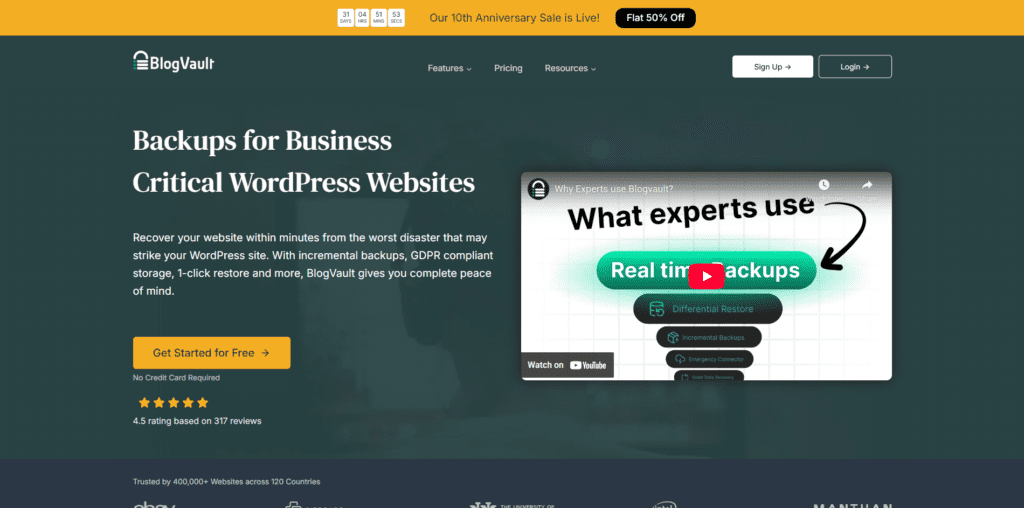
A strong option for stores seeking real-time backup coverage with built-in staging. Its safe auto-update feature with rollback support makes it useful for WooCommerce stores that process orders around the clock.
Key features:
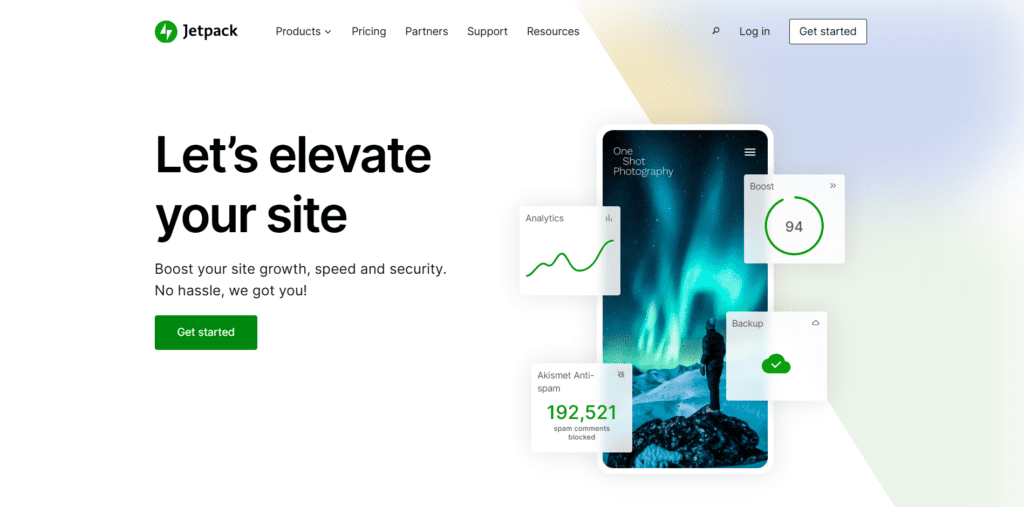
Well-suited for active stores where order and customer data changes constantly. Its real-time backup approach means that a restore from earlier in the day won't result in the loss of hours of transaction records.
Key features:
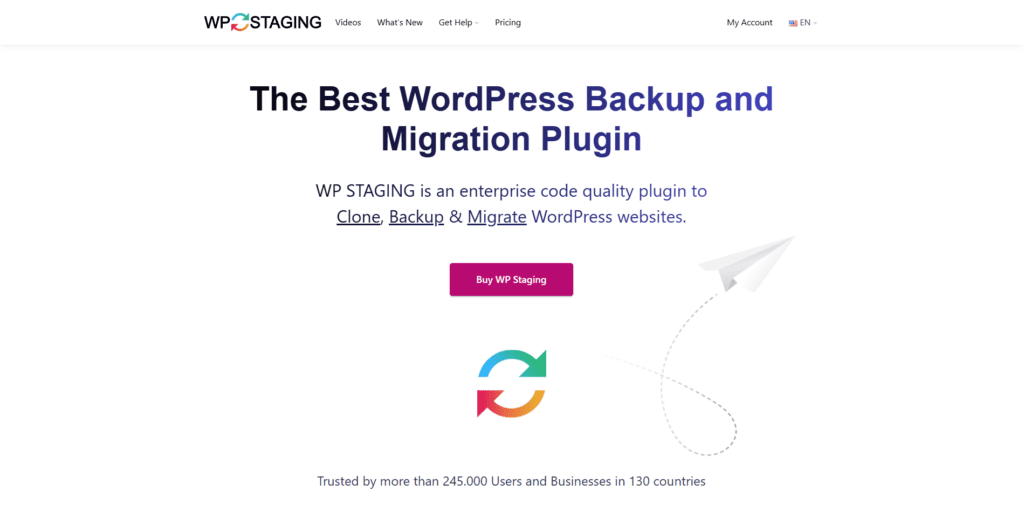
A practical choice for stores that need a safe environment to test updates before they go live. It clones the production environment without requiring server access or technical configuration.
Key features:
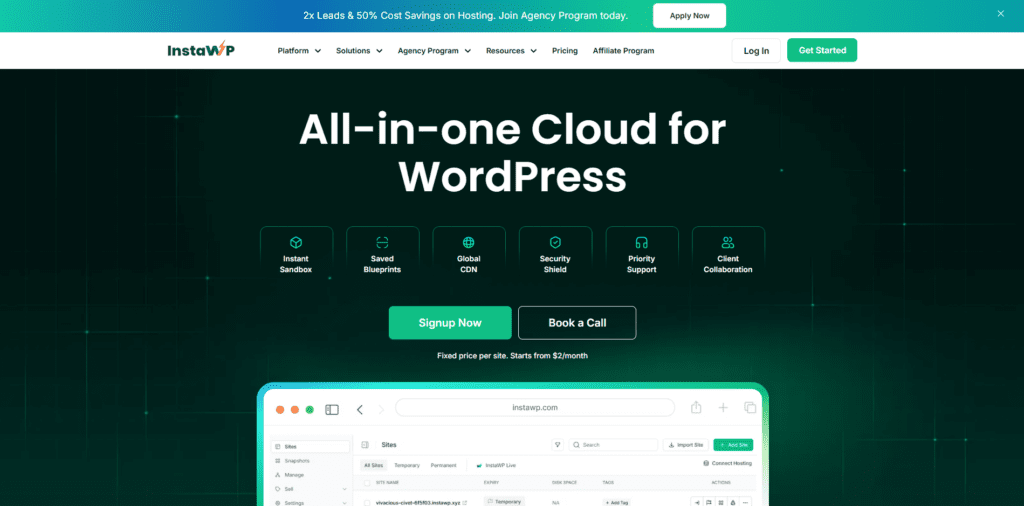
Well-suited for quickly spinning up a temporary sandbox to test an update or plugin before committing to the live site. Template cloning and WooCommerce-ready installs make it a time-efficient option for teams evaluating multiple updates in a single session.
Key features:
There's no single right answer to the auto-updates vs. manual control question. The best approach depends on store complexity, the hosting environment, and the amount of time that can realistically be committed to maintenance. What tends to be consistent across well-maintained stores is that doing nothing creates more risk over time than either approach.
For most WooCommerce store owners, a hybrid strategy that automates minor, low-risk updates while keeping major changes under careful review offers a workable balance of security and stability. Starting with solid backups, identifying a pre-production solution, and building a simple update routine that will actually be followed is the right foundation.
Shoppers expect a fast, secure experience every time they visit a store. A thoughtful, consistently applied approach to updates is one of the more practical ways to meet that expectation over the long term.